Your invitation to DuoWeek
Spend less time chasing. Know what’s agreed.
Check parenting arrangements, review shared costs and give clear answers to requests—without searching through old messages.
DuoWeek is published by NETKREATIVES BV, Belgium. [email protected]
What does joining cost?
Joining is free. No card required. One active subscription covers both parents.
Open the link in your invitation email, or continue on the web and enter your invitation code. You can learn about DuoWeek here first.
Prefer to install the app?
After installing, return to your invitation email and open the invitation again. You can also enter its six-character code in the app.
Why this is for you
Less to chase.
More you can check.
A change of plan. A cost to review. A question that needs an answer. DuoWeek gives each one a clear place and keeps the response with it.
01
Check the next arrangement.
A calendar you can check from your own account. Pickup times and practical details have a place beyond the message where they were discussed.
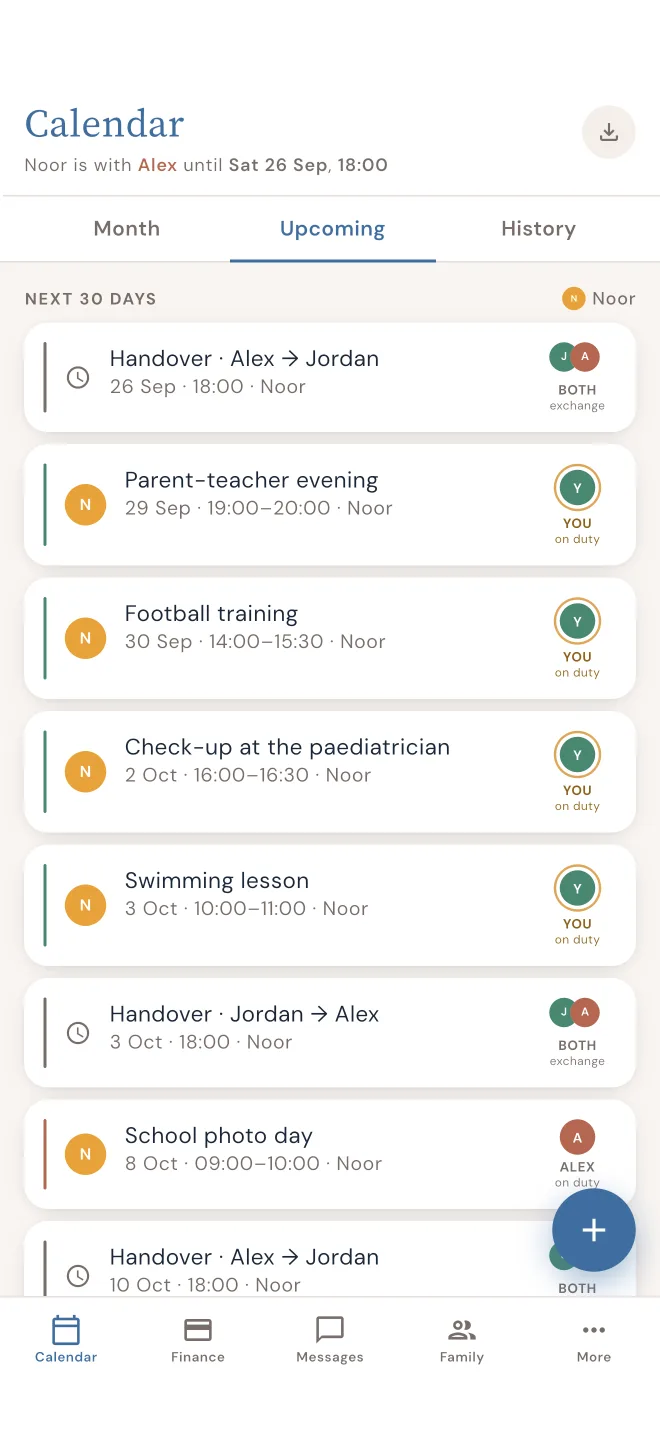
Real DuoWeek interface · fictional example data
02
Have your say when plans change.
Review proposed dates and choose Approve or Decline. An approved parenting-schedule request updates the calendar; until then, the current schedule stays in place.
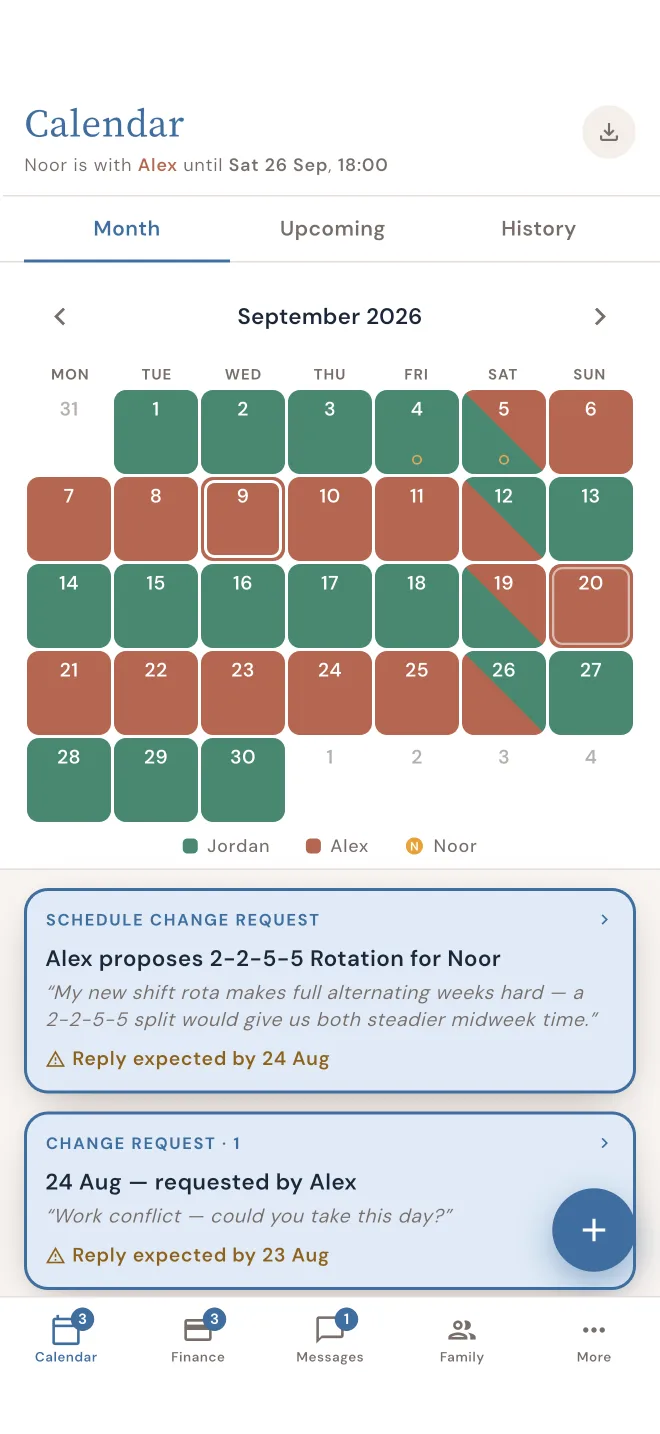
Real DuoWeek interface · fictional example data
03
Know what you’re being asked to pay.
Review the amount, proposed split and any attached receipt. Open expense proposals let you agree, decline with a reason or propose a different amount.
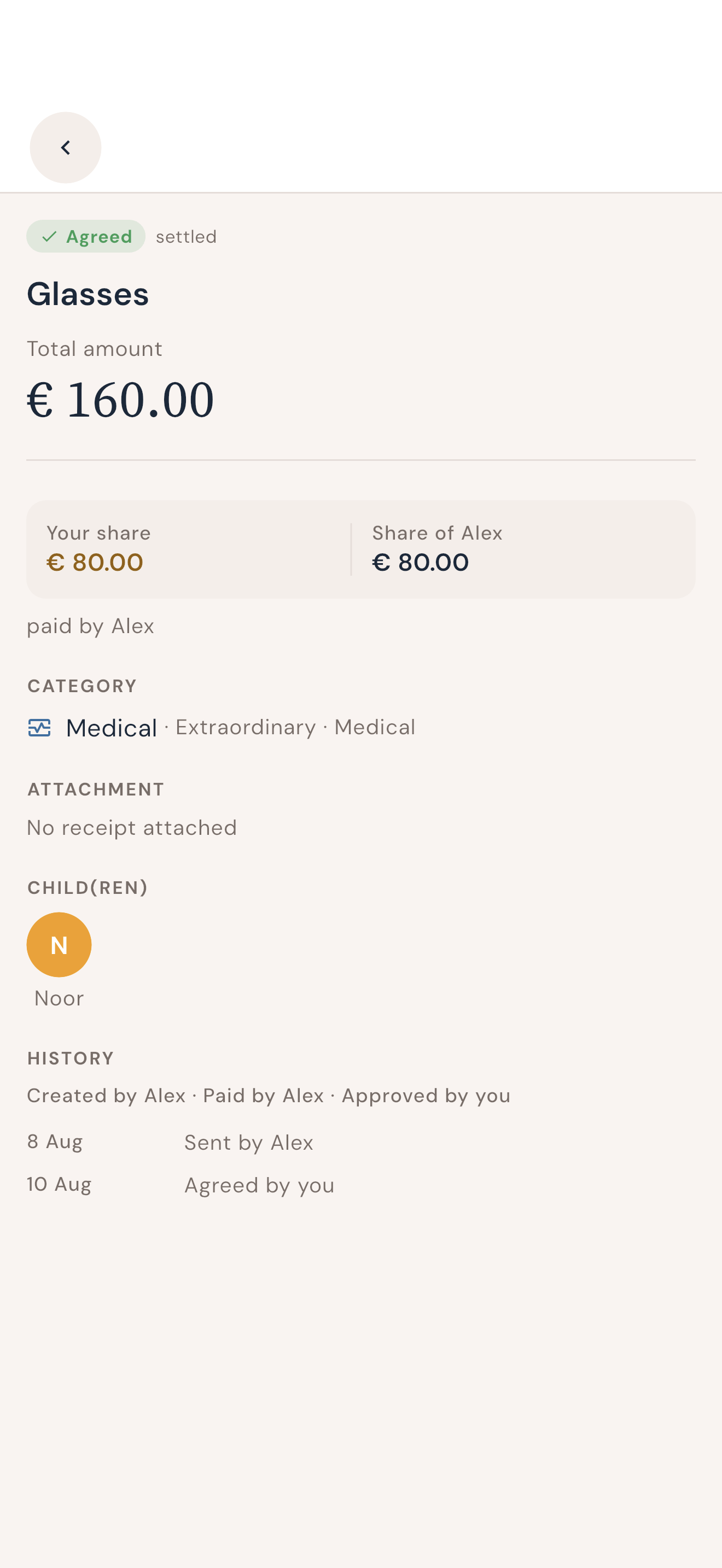
Real DuoWeek interface · fictional example data
04
Keep the answer with the question.
Give each parenting question its own topic. When you need the answer again, there is one conversation to check.
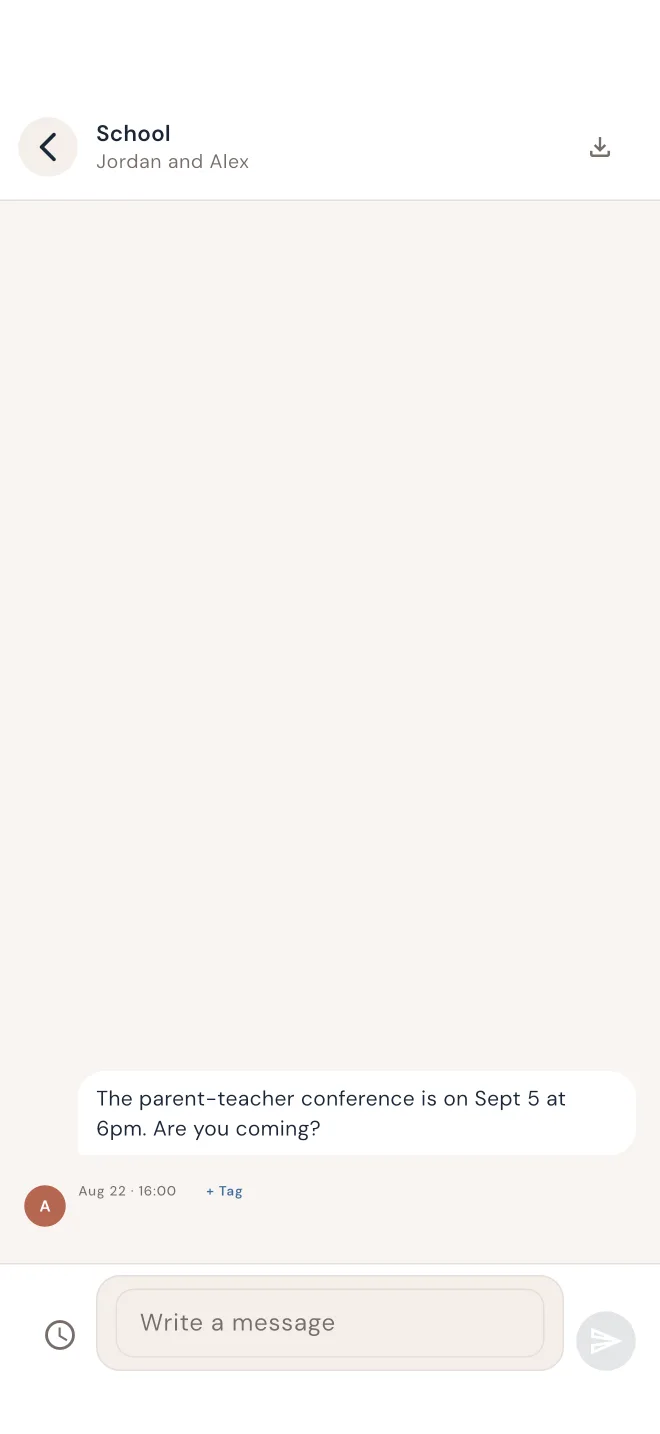
Real DuoWeek interface · fictional example data
Expense requests can have response deadlines and configured acceptance rules. Check those details in the app before responding.
You want a clear answer when plans change.
Review proposed parenting-time changes, approve or decline, and see which schedule is in place.
You want the details behind a shared cost.
See the amount, proposed split and any attached receipt. Respond to open expense proposals with an agreement, a reason for declining or a different amount.
You want fewer messages just to check a detail.
Keep handovers, requests and topic-based conversations somewhere you can find them again.
You want to make your own decisions.
Use your own account and review requests yourself. Joining does not approve plans or expenses already entered.
One request. A clear answer.
A proposed parenting-time change stays separate from the current schedule until it is approved.
- MondaySchool pickup · Alex
- WednesdaySchool pickup · Sam
- FridayWeekend handover · 17:00
Review what is proposed
Open the requested dates and practical details. You can see what would change before giving an answer.
Approve or decline
An approved parenting-schedule proposal updates the calendar. Until then, the current schedule stays in place.
Find the decision later
The request and response stay together. Joining does not approve existing plans or expenses, or pause their response deadlines.
Your own account. Clear information about sharing.
You each use your own secure sign-in. Shared calendars, expenses and conversations are available to the other parent. Private notes and private calendar entries have separate sharing rules.
A parent can give a professional access to shared areas or selected records. The other parent does not approve each grant. The professional roster is visible to both parents; the detailed permissions and limits are explained in our privacy notice.
Read the privacy explanationBefore you join
Understand what DuoWeek does for you, what becomes shared and what accepting an invitation means.
What does joining cost?
Joining is free. No card required. One active subscription covers both parents.
Why use DuoWeek instead of texts?
You can turn a parenting-time change into a request with a clear response, see the result in the calendar and return to the decision later. Shared costs keep the amount, split and supporting details together. Topic-based conversations make the practical questions easier to find.
Is it free for me to join?
Yes. Accepting an invitation does not require a card or authorise a payment. One active subscription covers both parents, so you don’t need a separate subscription. Check the available access shown with your invitation.
Does joining mean agreeing to what the other parent entered?
No. Joining does not approve existing plans, proposals or expenses. Open the relevant items to review their status and any response deadlines.
Can the other parent change the parenting schedule without my approval?
A parenting-schedule change sent through the request flow does not replace the current schedule until you approve it. Ordinary calendar events can be added without approval unless the person creating the event requests it.
What if I disagree with an expense?
For an open expense proposal, you can decline with a reason or propose a different amount. Check the response deadline and applicable rules in the app. Some configured expense rules allow an unanswered request to be accepted after its deadline.
Can this help when communication is difficult?
DuoWeek gives practical requests a clear format and keeps the response with the details. You can keep parenting arrangements in their own place and use specific answers instead of starting another long exchange.
Who can see what I add?
You each use your own sign-in. Shared calendars, expenses and conversations are available to the other parent. A parent can also grant a professional access to shared areas or selected records; both parents can see the professional roster. Private notes and private calendar entries have separate sharing rules, explained in the privacy notice.
Do I need to download an app?
You can start in your browser. DuoWeek is also available on iPhone and Android, using the same account.
What if my invitation has expired?
Ask the parent who invited you to send a fresh invitation. You can also try the six-character code from a valid invitation in the app. Contact [email protected] if sign-in prevents you from continuing.
Who provides DuoWeek?
DuoWeek is provided by NETKREATIVES BV in Belgium. Contact [email protected] for help with your invitation or account.