Track shared child expenses, receipts and reimbursements
DuoWeek is a co-parenting expense tracker for keeping a child's costs and the related payments together. Add the expense and receipt photo, record the arrangement for sharing it, and follow reimbursements and remaining amounts. Approval of a cost and confirmation of a payment are separate steps.
For iPhone, Android and the web.
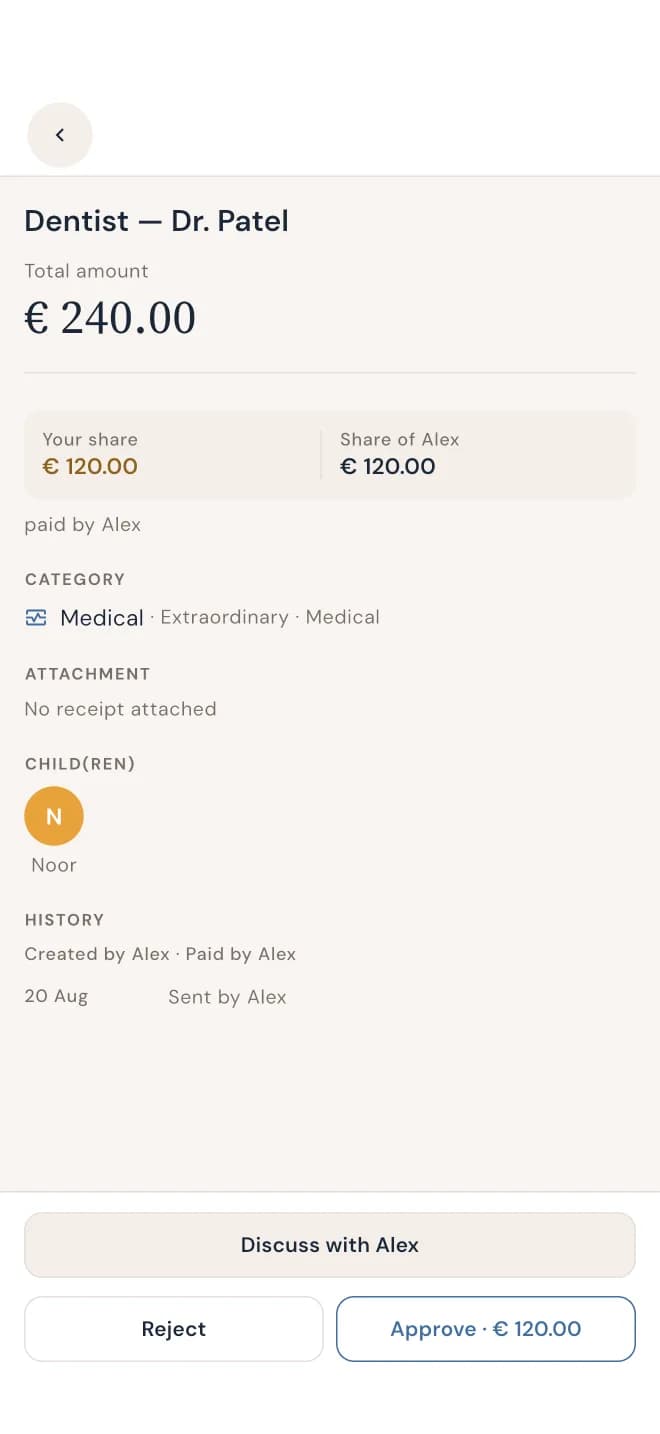
What a €240 expense looks like after a partial reimbursement
Here is a fictional example with an agreed equal split. Parent A pays the full €240 dentist bill. Parent B's share is €120. After Parent B reimburses €50 and Parent A confirms receiving it, €70 remains against Parent B's share.
| Item | Amount | Meaning |
|---|---|---|
| Dentist bill paid by Parent A | €240 | The original purchase amount |
| Parent A's agreed share | €120 | Half of the bill |
| Parent B's agreed share | €120 | Half of the bill |
| Reimbursement received from Parent B | €50 | A payment toward B's share |
| Parent B's remaining reimbursement | €70 | €120 share minus €50 received |
The original receipt stays €240. A reimbursement changes the amount still outstanding; it does not turn the purchase into a €190 bill. These amounts explain the arithmetic and are not a customer's financial record.
Keep the cost and receipt together
Enter the amount, identify the child and describe the cost, such as medical, school or sports. Attach a photo of the receipt so the amount has supporting context. Keep a quote identifiable as a quote when a purchase has not yet happened.
DuoWeek shows the expense amount, shares, reimbursement records and remaining costs. Check the arrangement for this particular expense instead of assuming that every category has the same split. A reimbursement between parents is a payment toward an expense, not a second purchase to enter as another child cost.
Review the proposal and its actual status
An expense request gives the other parent the amount, proposed shares and context to review. Keep the response with that cost so you can distinguish an unresolved proposal from a completed decision. Check any configured expense rules and deadlines when interpreting the recorded status; do not assume every cost requires a fresh manual response.
If a price changes, make the revised total clear. Approval of a €240 proposal does not explain a later €270 charge without the additional context. DuoWeek records decisions and amounts; it does not determine a parent's legal responsibility for a purchase.
Record a payment after making the transfer
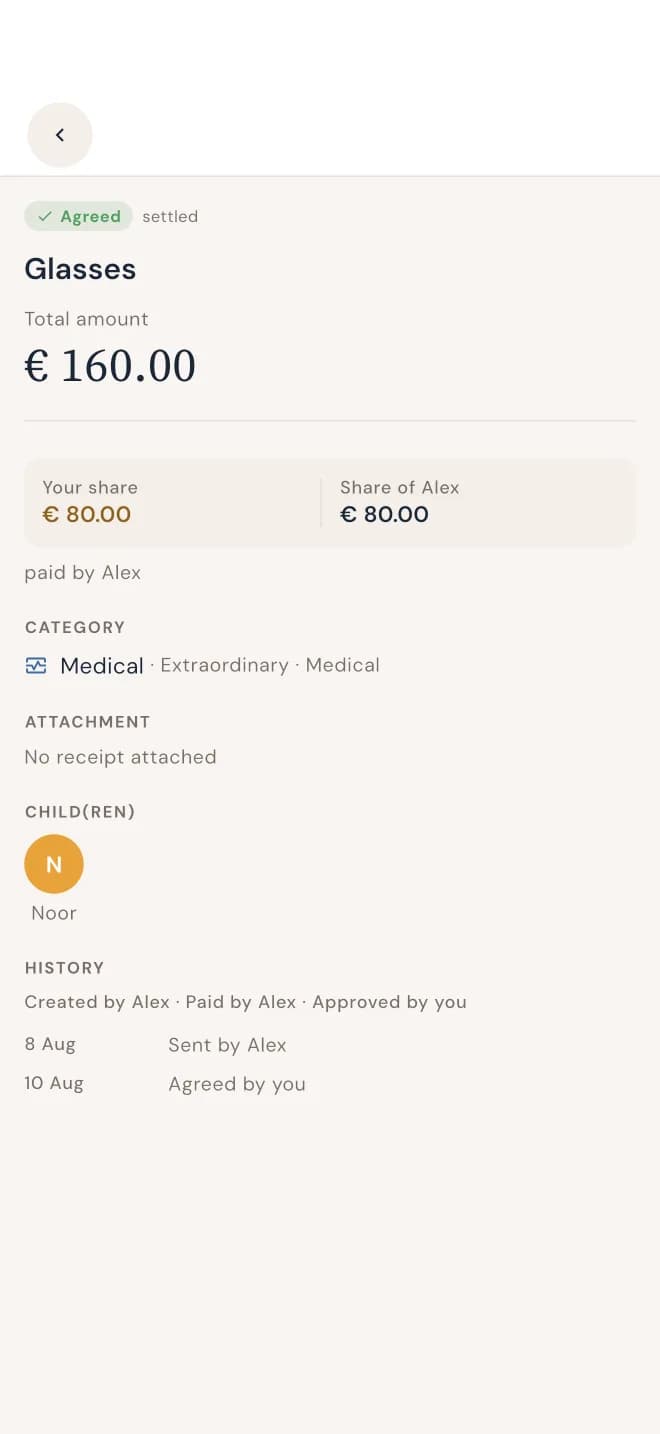
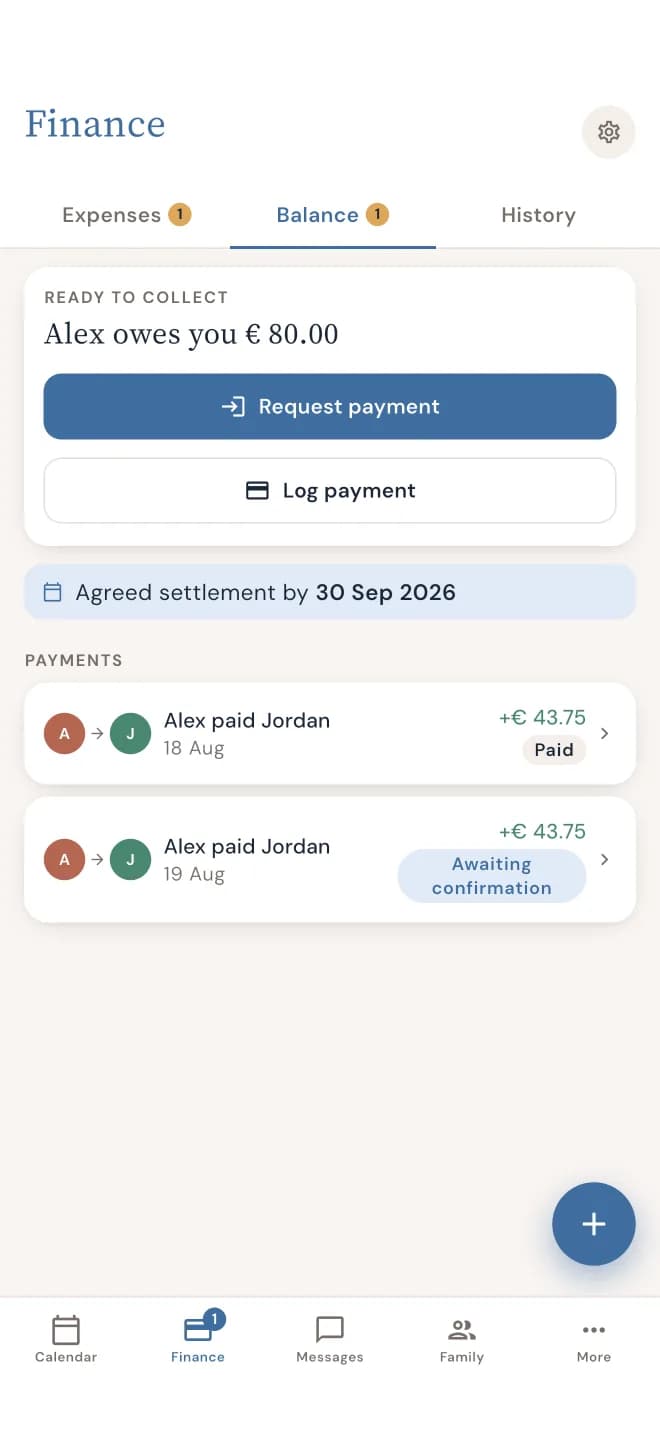
Pay through your bank, then record the payment in DuoWeek. If you record that you paid your co-parent, they still need to confirm receipt. If you record money you received, that entry is your own confirmation. Approving an expense does not itself send money.
An app entry is not bank verification. When a payment is still awaiting confirmation, check the amount, transfer date and recipient before adding another entry. Keeping the confirmation step visible helps distinguish money recorded as sent from money the recipient has acknowledged.
Review the history before sharing it
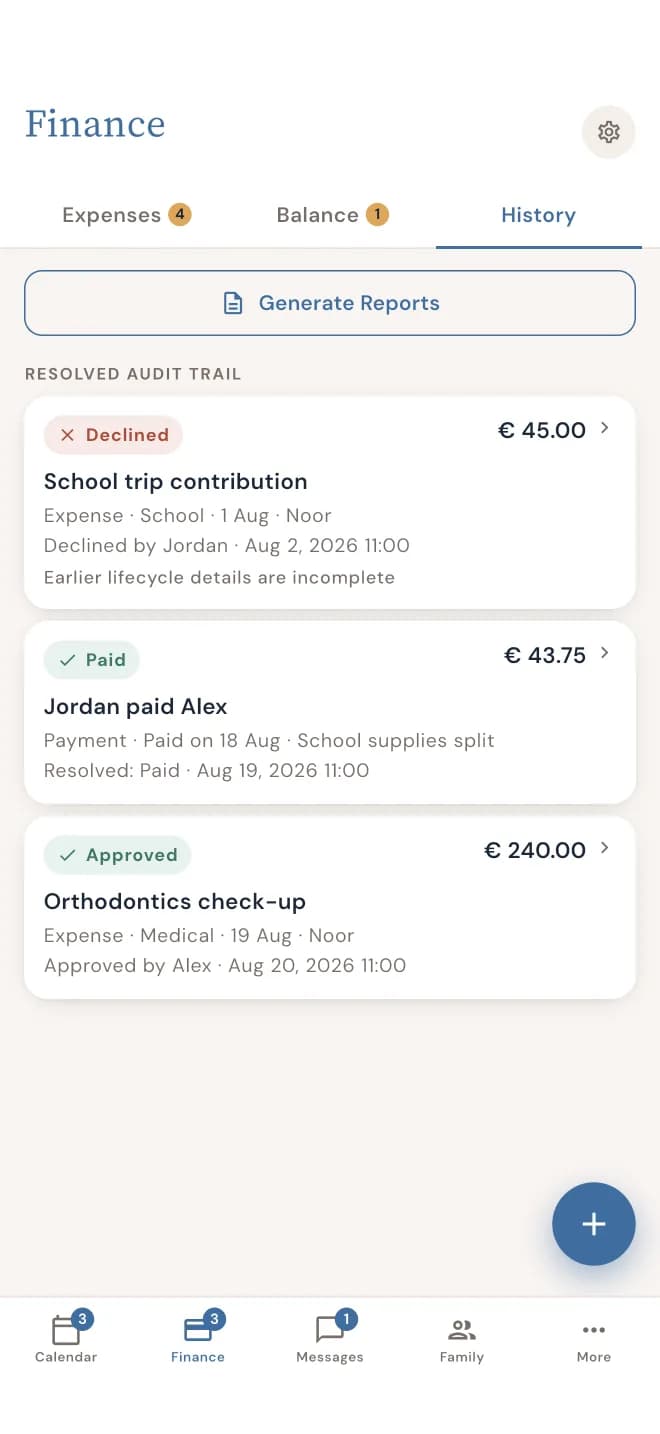
Use the expense and payment history to reconstruct what was proposed, answered and reimbursed. Review the selected date range and entries before exporting costs or printing a report. Keep any original receipt, refund or correction identifiable so the resulting balance can be checked.
Questions parents ask
Does DuoWeek track partial reimbursements?
Yes. DuoWeek records reimbursements and remaining costs. In the worked example, a confirmed €50 reimbursement against a €120 share leaves €70 remaining.
Can I attach a receipt?
Yes. Add a receipt photo to the expense. Keep the supplier receipt separate from any record of a later reimbursement between parents.
Does an approved expense mean it has been paid?
No. The expense decision, payment to the supplier and reimbursement between parents are separate events. A payment you record as sent to your co-parent still needs their receipt confirmation.
Does DuoWeek decide which expenses must be shared?
No. It records expense arrangements, decisions and payments. The applicable arrangement determines the split you use; the app does not establish a legal obligation.
How can I compare the numbers with a spreadsheet?
Start with the worked expense ledger, which keeps the purchase, each reimbursement and the remaining share in separate columns. Reconcile the entries before comparing an overall balance.
Product information and examples
The DuoWeek App Store description describes receipt attachments, reimbursements and remaining costs. The €240 calculation on this page is an original illustration using an assumed equal split. Check the actual expense and payment status in your own account.