DuoWeek vs 2houses: which suits you?
Pick 2houses if you want one place for the children's information, photos and a family journal beside the calendar. Pick DuoWeek if you want every schedule change and every cost to wait for the other parent's agreement before it counts.
DuoWeek publishes this comparison, so check the linked sources yourself. Checked on 15 November 2026.
What 2houses lists on its own site
- It is available on the web, iOS and Android, and its home page says more than 370,000 families use it (2houses home page).
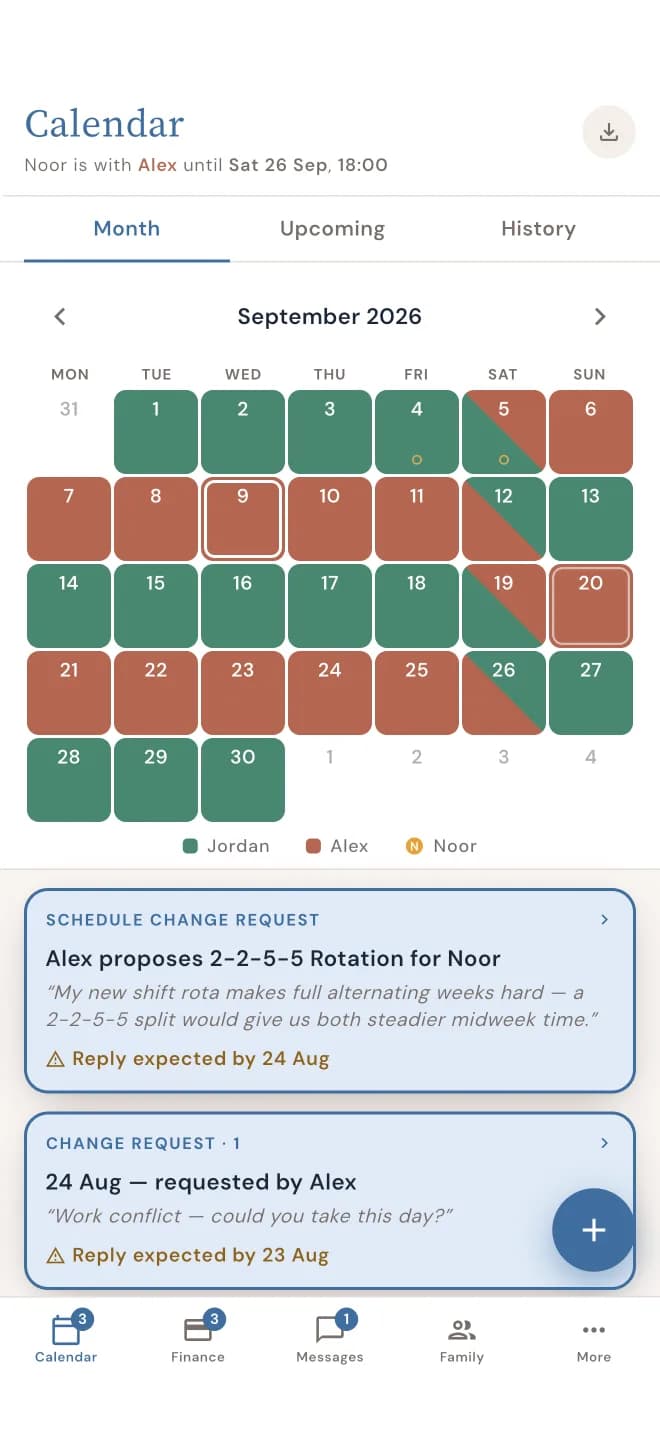
- A schedule change request goes to the other parent, who can accept it or offer another date (2houses features).
- The calendar syncs with iCal, Google Calendar and Outlook, and you can import school term dates and holidays (2houses features).
- Expenses are sorted into categories, a balance shows who pays whom, and reports export as CSV or PDF (2houses features).
- Conversations can be archived or printed but not deleted (2houses features).
- An information bank holds medical details, contacts and clothing sizes, and a document storage area is listed too (2houses features).
- Photo albums and a family journal are part of the app (2houses features).
- A mediator can be given read-only access to the whole account (2houses for professionals).
Is 2houses or DuoWeek better when more than two people need access?
2houses, because parents can give access to children, grandparents, step-parents and others, and its FAQ says the service has value even if the co-parent has not joined (2houses FAQ). DuoWeek's pages describe two parents and an invited mediator.
Four situations where 2houses is the better choice
1. You want the children's details in the same app as the calendar. Medical information, contacts and clothing sizes sit in 2houses' information bank.
2. Your household runs on Google Calendar or Outlook. 2houses lists synchronisation with them. In DuoWeek you can export the calendar as a PDF, iCal or CSV file.
3. The other parent has not joined yet. The 2houses FAQ says you can send a new invitation later and still use the service. DuoWeek needs both parents in the app.
4. You want your mediator to follow everything. 2houses gives a mediator read-only access to the whole account, which suits a mediator who wants the full picture.
Where DuoWeek works differently
A swap stays a proposal until the other parent answers, and DuoWeek reminds them by notification or e-mail meanwhile (how agreeing works). A cost gets the same treatment: it is only split after the other parent agrees (shared costs).
You choose what a mediator sees: the calendar, costs or messages, with nothing shared by default and every opening logged in your Activity Log (DuoWeek for mediators). Messages cannot be edited or deleted once sent (messages).
If a professional's access is your deciding point, DuoWeek vs OurFamilyWizard looks at that, and the full comparison covers the other apps.
Sources, checked on 15 November 2026
- 2houses: home page, features, FAQ, professionals
- Store listings: App Store, Google Play